For getting started
Creator
$24.99 / month
3,000 credits · about 10 videos
Narration, editing, music and captions for your creative habit

Automatic clips. In a word, easy
Describe your idea
Get a finished video in minutes

01 / Why Wordream
Wordream turns a plain-language idea—and any media you add—into a polished, ready-to-share video
No prompt engineering. No blank canvas. No editing marathon
02 / How it works
Everything that normally slows you down happens behind the scenes
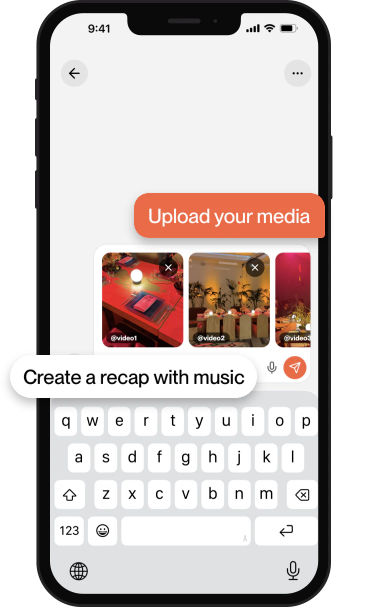
Start with a prompt. Add photos and videos you want Wordream to use
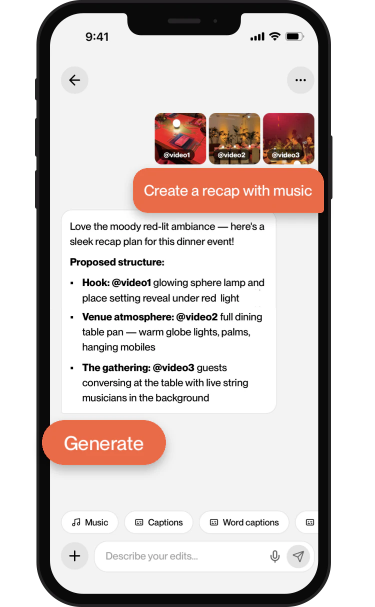
Wordream drafts the structure and script. Reply with changes until the idea feels right
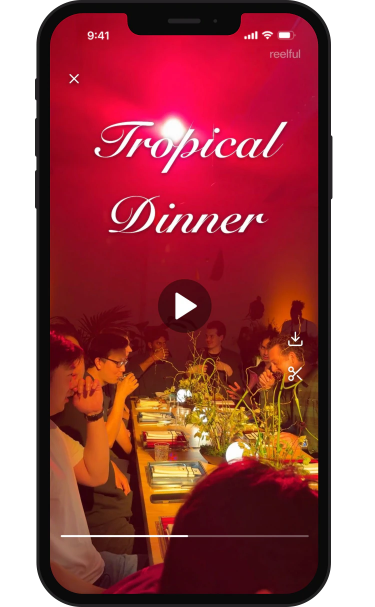
Wordream builds the edit, motion, text, music and voiceover into a ready-to-share video
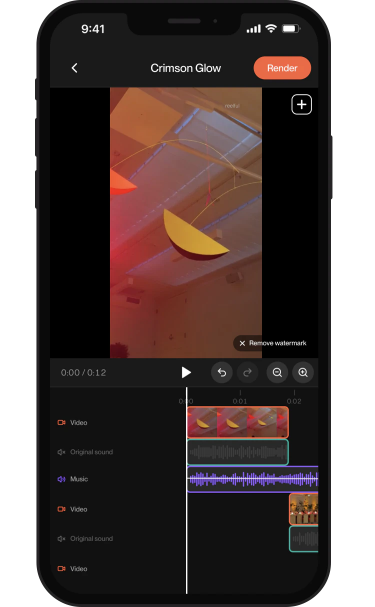
Ask for changes in chat or fine-tune the timeline, then export the finished video
03 / Plans
Creator, Pro and Studio plans, plus custom Enterprise options for teams. Subscriptions are managed through the App Store
For getting started
$24.99 / month
3,000 credits · about 10 videos
Narration, editing, music and captions for your creative habit
For regular creators
$49.99 / month
7,500 credits · about 25 videos
More room to publish consistently, with a better rate per credit
Best value
$99.99 / month
18,000 credits · about 60 videos
The best credit value for high-output creators and production workflows
Work at scale
Custom
Volume and billing for your team
We will tailor a plan to how your organization uses Wordream at scale